Other frameworks
Clone the Outstatic Dashboard to your machine:
git clone git@github.com:avitorio/outstatic-dashboard.git
cd outstatic-dashboard
pnpm install
pnpm dev
Start the dev server. If it is running at http://localhost:3000, open your dashboard at:
http://localhost:3000/outstatic
You should see this page:
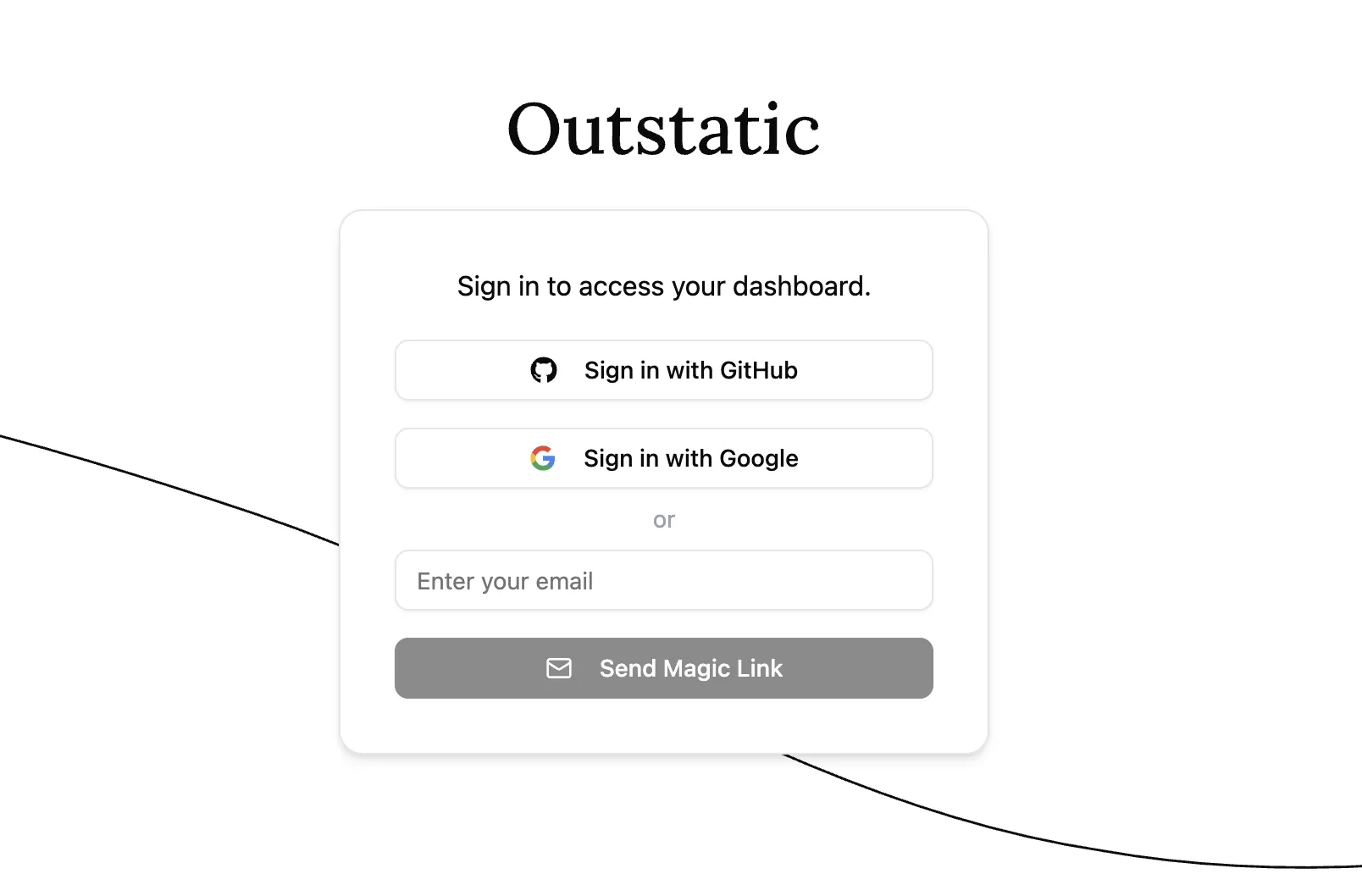
There are two ways you can access your dashboard. With GitHub via Outstatic (recommended), or using Github OAuth.
Accessing with GitHub via Outstatic (Recommended)
- On the
/outstaticpage, click Sign in with GitHub. - Follow the flow to create a free Outstatic account and generate an API key for your project.
- Copy the API key and add it to your
.env:
OUTSTATIC_API_KEY=ost_******************************- Go back to
/outstatic, refresh the page, and click Sign in with GitHub again.
If everything is set up correctly, you will land in your Dashboard.
You are ready to start creating and editing content. Next, learn how Outstatic manages content.
Access the dashboard from a deployed site
If you also want to use the dashboard on your production or preview deployment:
-
In the dashboard sidebar, open API Keys.
-
Add your deployed site URL as a Callback Origin URL.
-
Make sure
OUTSTATIC_API_KEYis set in the environment variables for that deployment.
To learn more about all available environment variables, see the Environment Variables section of the docs.